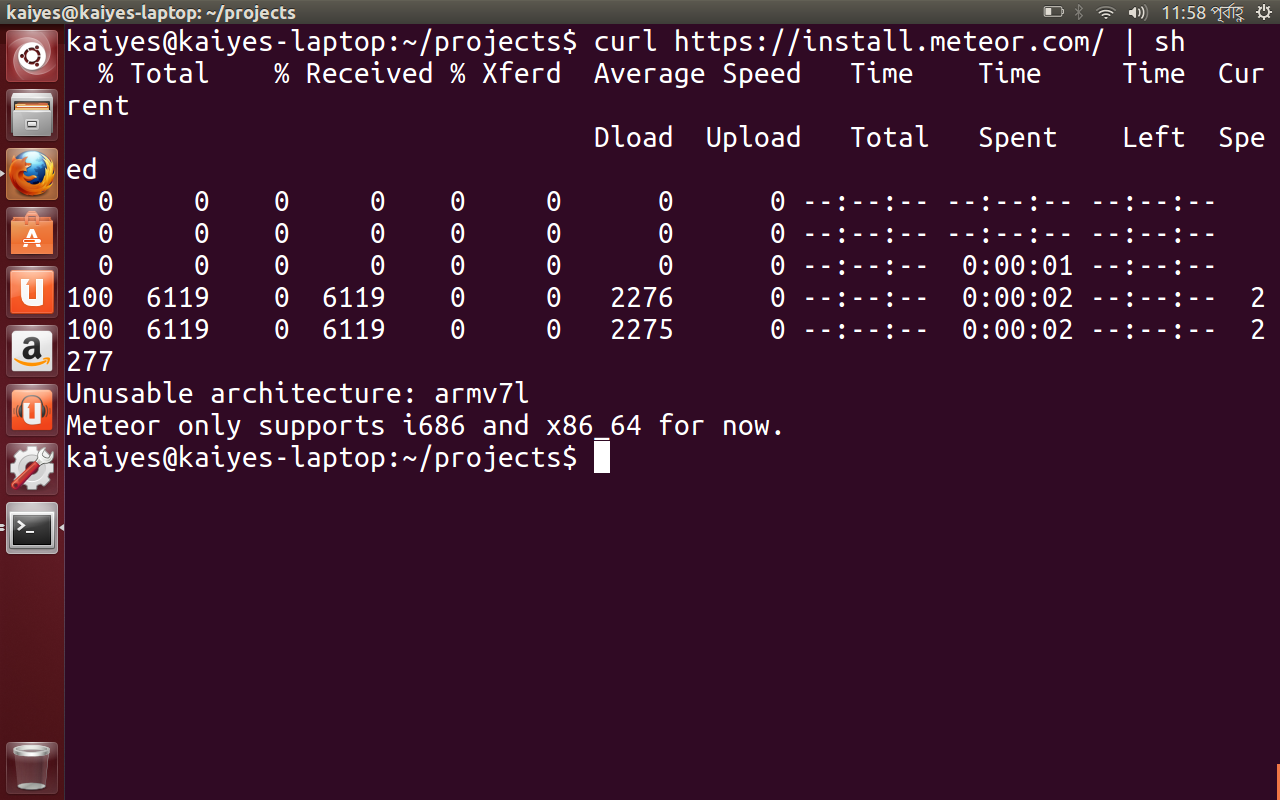
Normal meteor installation won’t work in case of ARM architecture. But as said already, the universal fork should propably install on your Nexus / Ubuntu. Give me a note please if this fits.
We know the LinuxOnAndroid(s) and often they need much work / knowledge / special conditions etc. Mostly the images will not run. So we will try to generate some easy and wide compatible linux image based on debian wheezy or ubuntu 14.04 core.
been away from the nexus 7 scene for a long time… Getting the ubuntu back and dual booting it. Will follow the universal fork and see how it goes. Since it will be arm based linux so theoretically your fork should work. will let you know.
By the way, only Ubuntu 13.04 is available for now for nexus 7. Since you are using Ubuntu 14.04 “Core”, I am not sure what will happen. But lets try and see what happens.
Word in the forum-- “MarshMallow is working better than 5.”
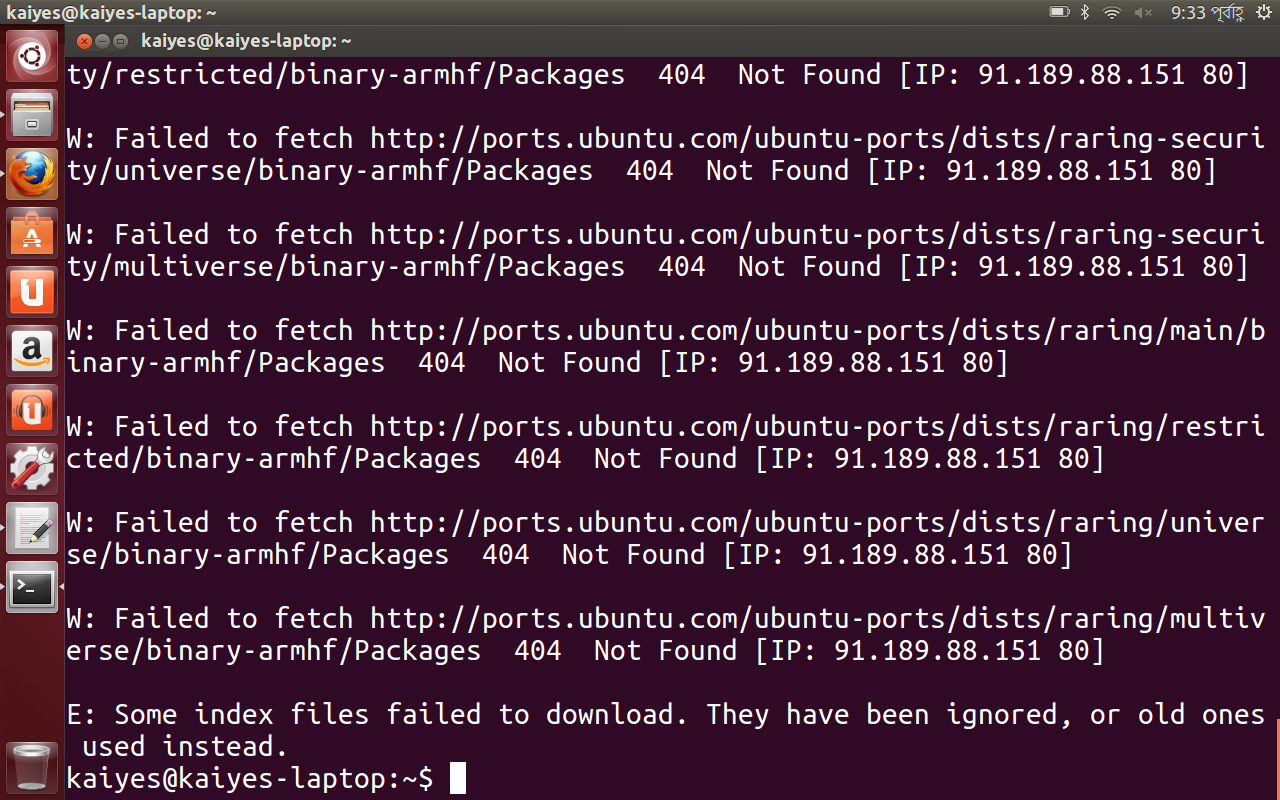
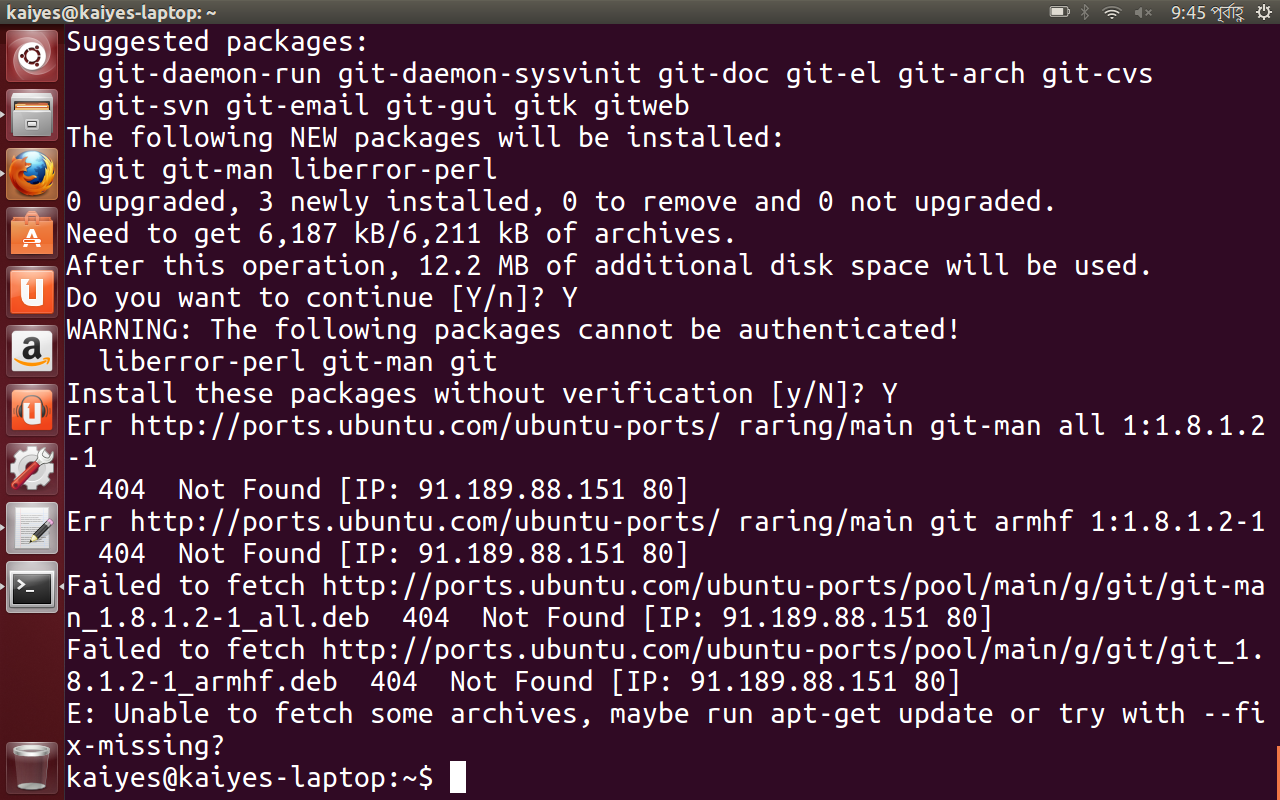
tldr: [preinstalled ubuntu in nexus 7] couldn’t get curl , git working.
Ok, none of the multirom linux distros worked. They did even last year but not anymore. The xda forum thread is almost dead and there are no answers for people who ran into similar problems as mine.
Failing dual booting, I went on and erased the android bit in favour of a ubuntu-only nexus 7. Although ubuntu desktop support for nexus 7 seized, they still provide the boot.img and preinstalled ubuntu 13.04. It worked.
But I couldn’t get git working. Tried to install curl and that failed as well. Most of the vanilla/armv7 ubuntu solutions did not work on the nexus 7.
Ok, that is in case that the support of Ubuntu 13.10 is outdated after 18 month, its not a long time release.
Do following:
cd /etc/apt
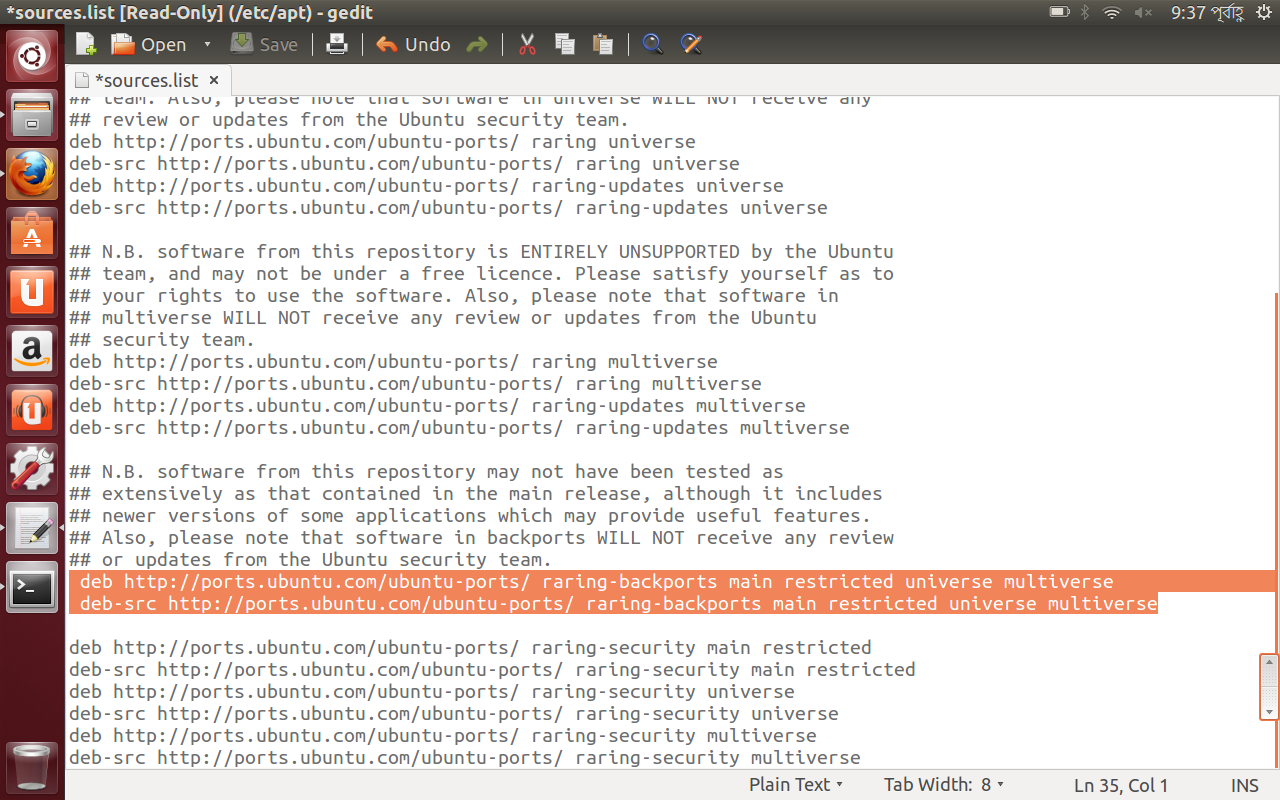
mv sources.list sources.list.raring.bak
vi sources.list
and insert this content
deb http://ports.ubuntu.com/ubuntu-ports trusty main universe
deb http://ports.ubuntu.com trusty-security main
deb http://ports.ubuntu.com trusty-security universe
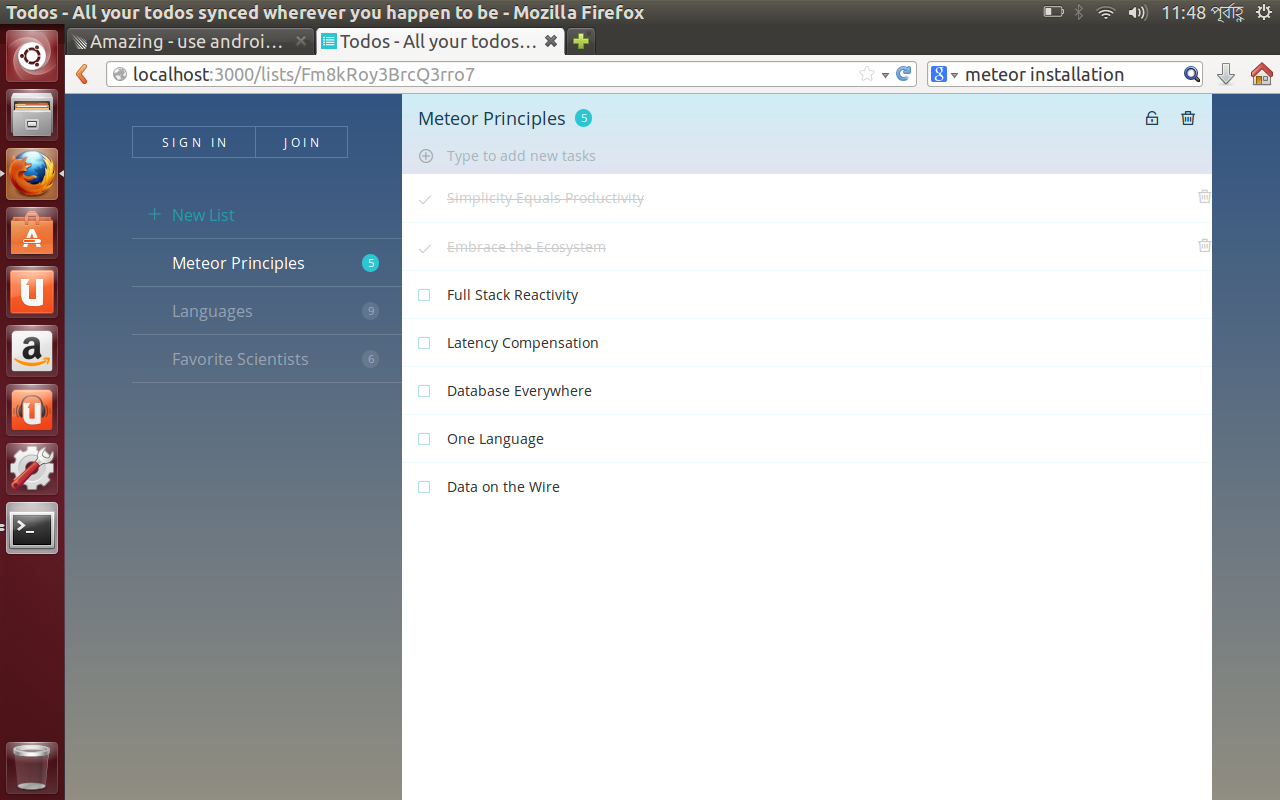
It was giving me errors about npm and mongo as well as taking more than 15 minutes to start the app. So I went ahead and installed node and npm staright from the terminal using sudo apt-get install npm & legacy nodejs. After that it was just a breeze.
Now starts normally within couple of seconds, nearly same as the desktop counterpart. Works perfectly.
trying that from a fresh image now. I wonder if I can get snappy core on the nexus? Bunch of snappy modules + apps will be awesome . By the way, a raspi with a snappy core should run the fork right ?
the update took more than couple of hours and then soft-bricked the nexus 7 . I started with a fresh install and got everything up and running though.
I git cloned an app of mine and it couldn’t run giving an error about CFS binary. Is it just because I am on a unsupported devise ? Maybe the Raspi won’t have this issue.
The os is running smooth… since nexus 7 (2012) has 1 GB ram and Quad-core 1.2 GHz processor. Twice of raspi has.
To get things like CFS running on ARM is easy. The problem is, that the maintainer has not made a build for ARM yet. Just clone those packages into your ./app/packages folder and let meteor build them on your device.
I never had any missing from that. You just need to pick those packages are building some C-binaries.
So if ubuntu touch can run meteor… Ubuntu Touch supports a variety of nexus devises. And they are more powerful than aquaris in terms of Hardware. I can get Ubuntu touch without any problem even for my old unsupported nexus 7 (2012). Nexus 7 (2013) is supported officially though.
Should I go that route instead of the Ubuntu desktop ? Because that can actually open up a whole range of opportunities.
What will be the procedure to run meteor on Ubuntu Touch?
P:S: I got my app up and running but I just couldn’t go pass the login page. It works perfectly in my workstaion though. Maybe Old firefox and all.
@tomfreudenberg Hello Tom, I’m using Termux for Android which provides a sandboxed linux environment (as in it runs everything in it’s app-specific filesystem, not on the user’s sdcard and not in root (my phone isn’t rooted)) with Debian’s apt-get for package management (I’ve installed NeoVim, which works great in the terminal!). I was trying to get your universal Meteor fork (that you mentioned on GitHub) running inside this environment but came across a small problem: the beginning of the (JavaScript) Meteor scripts all start with
#!/usr/bin/env node
but /usr doesn’t exist on the phone, which errors out. As a workaround, I can start to fix the problem by editing each file so it has
#!/data/data/com.termux/files/usr/bin/env node
and same for bash scripts, etc. What might be a good way to solve this so that we don’t have to manually change the beginning of these files (without needing to root a phone)? Maybe a script that converts all #!/usr/bin/env <binary> to #!/data/data/com.termux/files/usr/bin/env <binary> would do the trick, and we can host a branch for Termux users to clone?



 . I started with a fresh install and got everything up and running though.