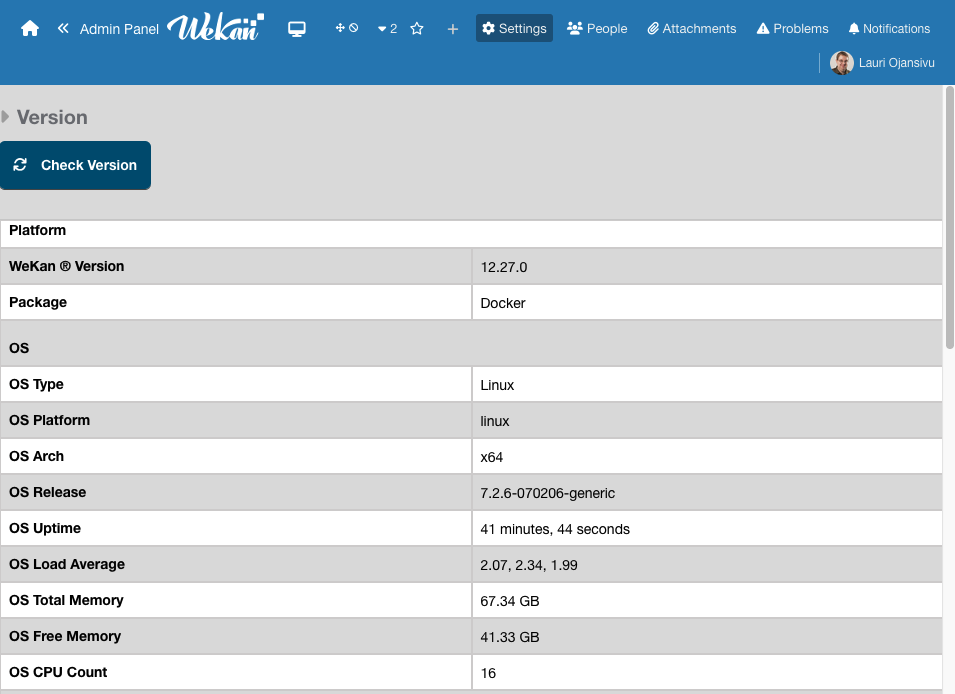
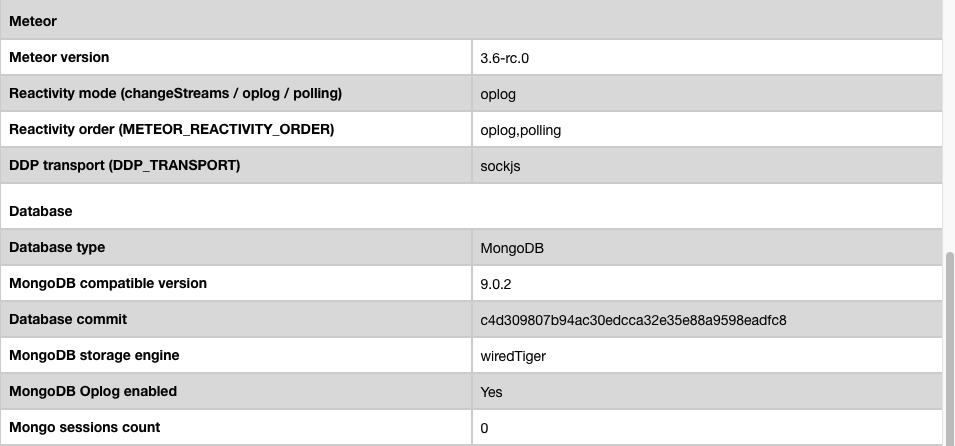
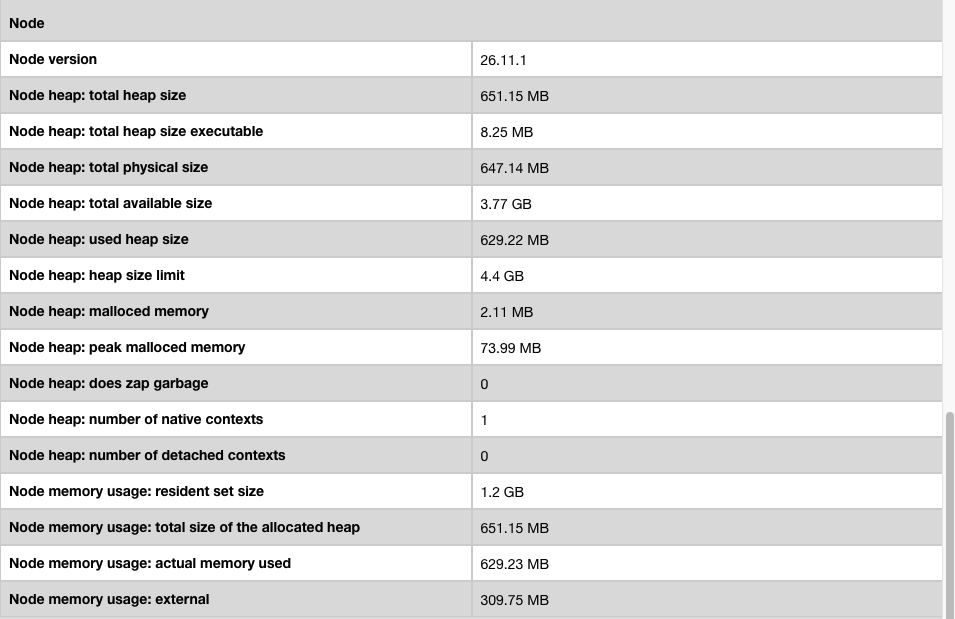
Update (September 29): Meteor 3.6-beta.3 is available. This post now includes the MongoDB 8 upgrade, architecture-specific Rspack builds, and the fixes added since beta.1. Starting with beta.3, the 3.6 release is feature-frozen: subsequent prereleases will focus on bug fixes and stabilization, with no new features planned.
Meteor 3.5 brought MongoDB Change Streams, DDP session resumption, pluggable transports, and Node.js 24. The 3.5.x patches then hardened the runtime, Rspack builds, and reconnection behavior.
Meteor 3.6 moves the modern build stack forward again. The release includes Rspack 2.x with automatic migration, native TypeScript declarations, Node.js 26, MongoDB 8 for the local development database, a read-only instrumentation API, pnpm monorepo scaffolding, installable PWAs, shell completion, improved Accounts security, and a friendlier CLI.
Meteor 3.6-beta.3 is the latest beta containing this work. The new product changes since the previous forum update landed in beta.2 and are included in beta.3; the beta.2-to-beta.3 tag difference is a version bump and a shorter Rspack package description.
This is still a beta release. It is intended for testing in development and staging environments. Every report and every successful migration shared with the community helps make the official Meteor 3.6 release more reliable.
Getting started
Upgrading an app with an existing local database? Beta.2 introduced MongoDB 8 for local development. Before updating from beta.1 or an earlier Meteor version, back up the local database and make sure a MongoDB 7 database has feature compatibility version (FCV) 7.0 while it is still running under MongoDB 7. If it is at FCV 6.0, set it to 7.0 using MongoDB 7 first. See the MongoDB 8 upgrade prerequisites and the Meteor 3.6 release notes before updating. External databases configured through MONGO_URL are upgraded separately.
Create a new application
meteor create my-app --release 3.6-beta.3
Update an existing application
meteor update --release 3.6-beta.3
Highlights
Rspack 2.x
Meteor 3.6 moves the modern build stack to Rspack 2.x (PR #14360).
The base migration is automatic. On the first meteor run after updating, Meteor installs compatible versions of:
@rspack/core@rspack/cli@rspack/dev-server@meteorjs/rspack
Meteor requires @rspack/core and @rspack/cli 2.2.7 or newer, @rspack/dev-server 2.2.1 or newer, and ships @meteorjs/rspack@3.0.0-beta.3.
If an existing lockfile still contains Rspack 1.x peer dependencies, Meteor can use npm’s legacy peer resolution for the coordinated upgrade. Applications that disable automatic dependency installation receive the appropriate manual installation command.
Meteor’s default configuration is already compatible with Rspack 2. The integration now uses rspack-merge, the stable persistent cache API, built-in CSS handling, externalsType: "commonjs2", and relaxed ESM export checks for TypeScript type re-exports processed by SWC.
Custom loaders, plugins, and rspack.config.js overrides may still require changes. Review the Rspack 1.x migration guide and the compatibility notes for each custom tool.
Other Rspack improvements include:
- React skeletons now use React 19.2
- React Refresh loads through its Rspack 2 entry point
- The React Compiler is supported through the built-in SWC loader
- The HMR bootstrap is included only during
meteor run - Production and native bundles no longer include the HMR runtime
- Proxy failures include the upstream error, request, and target
- Repeated proxy failures are summarized instead of flooding the console
Beta testing also helped us fix several development workflow issues:
- TypeScript applications no longer enter a Rspack server restart loop
- Failed compilations preserve the last known-good runtime entry
- Host-prefixed and URL-formatted
--portvalues are parsed correctly meteor run --inspectno longer repeatedly prints the complete Rspack configuration unless verbose mode is enabled- Temporary SWC cache write failures no longer interrupt builds
Examples such as these now work correctly with the Rspack development server:
meteor run --port localhost:3060
meteor run --port http://localhost:3060/
Related fixes:
Read the Meteor Rspack integration guide for configuration and migration details.
Architecture-specific Rspack builds
Rspack can now build separate client entry points and configurations for modern browsers, older browsers, and Cordova. This includes meteor.mainModule.legacy and the ability to disable an entry point an app does not need. Rspack test discovery also respects .meteorignore exceptions and METEOR_IGNORE, including on Windows (PR #14800, PR #14799, PR #14758).
Native TypeScript declarations
Meteor 3.6 introduces an opt-in native TypeScript declaration workflow.
Run:
meteor types
Meteor generates declarations for installed Meteor packages under:
.meteor/types
This gives applications declarations maintained together with the corresponding Meteor packages and runtime APIs.
Existing applications using @types/meteor or zodern:types are not switched automatically. These providers keep precedence until the application explicitly migrates, allowing teams to update Meteor separately from their TypeScript declaration setup.
Package authors can use the new experimental api.types() API to publish declaration entry points and submodules with their packages.
Native declarations remain opt-in. Applications can continue using their current provider without changing their TypeScript configuration.
Read the TypeScript Types for Meteor Packages guide for the migration steps and recommended tsconfig.json configuration.
Related work:
Node.js 26
The Meteor development bundle now uses:
- Node.js 26.8.2
- npm 11.19.0
This gives Meteor applications access to the current Node.js runtime and npm improvements.
Applications using native npm dependencies should rebuild and validate those dependencies after updating. Teams should also test code that depends on specific Node.js runtime behavior.
Related work:
MongoDB 8 for local development
Meteor’s local development database now uses MongoDB 8.0.29 (PR #14663). This changes the requirements for existing local data and some development machines:
- Back up local data. Before opening MongoDB 7 data with MongoDB 8, set FCV to
7.0while MongoDB 7 is still running. - The bundled MongoDB 8 requires Windows 11 or Windows Server 2022 (x64) on Windows.
- On Linux it requires glibc 2.34+ on x86_64 or 2.35+ on ARM64, plus
libcurl.so.4,libssl.so.3, andlibcrypto.so.3. - Meteor does not upgrade external databases configured with
MONGO_URL.
Review the full migration instructions before updating an existing app.
Read-only instrumentation
Meteor 3.6 introduces a new server-only instrumentation package.
Add it with:
meteor add instrumentation
The package exposes a read-only stream of server lifecycle events for:
- Method execution
- Publication execution
- DDP connections
- Trace context propagation
- Optional bounded argument and result previews
- Listener error isolation
Instrumentation listeners cannot change the result of the operation being observed. Listener failures are guarded so an observability integration cannot break the application operation.
This gives monitoring and observability tools a standard integration point without requiring patches to Meteor internals.
Documentation:
Related work:
pnpm monorepos and workspace-aware installs
The following command creates a pnpm workspace with a Meteor and Rspack application:
meteor create --pnpm my-workspace
The generated workspace includes:
- A Meteor application under
apps/app - Reusable client, server, and shared packages under
packages/ - A
pnpm-workspace.yamlfile - A pinned pnpm version
workspace:*links between the generated packages
A global pnpm installation is not required. Meteor uses the version declared by the workspace through Corepack when available.
Rspack dependency checks now detect the workspace root and package manager from manifests and lockfiles. npm, Yarn, and pnpm are supported.
Dependencies using file:, link:, portal:, and workspace: protocols are validated against their installed versions instead of being rejected as invalid semver ranges.
This addresses the long-standing report #10903.
Related work:
Installable PWA skeleton
Meteor 3.6 can scaffold an installable Blaze Progressive Web App:
meteor create --pwa my-app
The generated application includes:
- A web app manifest
- Application icons
- A dependency-free service worker
- An offline fallback page
- A minimal installation prompt
During development, the service worker remains installable but does not cache the application bundle, allowing Hot Code Push to continue working normally.
In production, it caches the application shell and static assets with appropriate strategies. It does not intercept DDP traffic.
Related work:
A friendlier CLI
Interactive package management
Run either command without package arguments:
meteor add
meteor remove
Meteor opens an interactive package search where you can select multiple packages and confirm the operation from the terminal.
You can also pre-fill the search:
meteor add --search accounts
Related work:
Packages and projects from Git
Meteor can clone packages directly into an application:
meteor add <url-or-user/repository>
Meteor can also create a project from a Git repository or one of its subdirectories:
meteor create <repository-url>
The --from, --from-branch, --from-dir, and --to options provide explicit control over the source and destination.
GitHub, GitLab, and Bitbucket tree URLs are supported directly.
Related work:
Bash and Zsh completion
Install shell completion with:
meteor shell-completion --install
Meteor currently supports Bash and Zsh. Completion is available for:
- Top-level commands
- Command options
- Selected subcommands
- Package names used by
meteor addandmeteor remove - Mobile platforms
You can print the script without installing it:
meteor shell-completion --script
Remove the installed completion with:
meteor shell-completion --uninstall
Read the Meteor shell completion documentation.
Related work:
Accounts security improvements
Meteor 3.6 strengthens the HttpOnly cookie and passwordless authentication flows.
The HttpOnly cookie endpoints now include:
- Explicit server-side enablement
- Application-origin validation
- Login token validation
- Bounded request bodies
Cache-Control: no-storeresponsesSameSite=Strictcookies- Configurable per-client rate limiting
The requestLoginTokenForUser method now validates the complete payload before looking up or creating an account. It is also included in the default Accounts request rate limit.
Applications using HttpOnly login cookies should review their configuration and cross-site entry flows.
Custom callers of requestLoginTokenForUser must use the documented selector, userData, and options fields. Selectors must contain exactly one non-empty id, username, or email.
Related work:
- HttpOnly cookie endpoint hardening
- Passwordless request validation and rate limiting
- Accounts API documentation
Build tool and package improvements
Meteor 3.6 includes several build and package reliability improvements:
- Transitive npm pins from package shrinkwrap files are preserved during package rebuilds
meteor --get-readybatches independent npm installs- Local package dependencies are prefetched with bounded concurrency
- Exact
git+httpsdependencies can reuse the package cache cross-envis included in the development bundle- Native
argon2rebuilds work inside Meteor’s isolated npm environment on Windows test-in-browsersupplies its client-side jQuery dependency again- Temporary application removal during an asynchronous SWC cache write no longer causes a build failure
Related work:
- Preserve package npm shrinkwrap pins
- Batch package preparation
- Reuse cached Git npm dependencies
- Fix native package rebuilds on Windows
- Restore test-in-browser jQuery
Additional beta fixes
Since beta.1, the release has also gained fixes for dynamic imports after an IndexedDB connection closes, rapid meteor run rebuilds, linked workspace commands in deployment bundles, Rspack scripts under a URL prefix, OAuth popup flows, Change Streams fallback for unsupported query options, native TypeScript declarations, and instrumentation error reporting. See the 3.6 changelog for the complete list.
DDP stability fixes
Meteor 3.6 also includes two important DDP fixes.
uWebSockets connections now deliver the DDP failed frame before closing. This allows version negotiation to complete instead of reconnecting indefinitely.
Minimongo now accepts repeated added messages for a document with a pending optimistic write. This fixes failures when resubscribing with NO_MERGE_NO_HISTORY while a method is still running.
Related work:
Breaking changes and migration notes
MongoDB 8 local database
Prepare any existing local database before updating: back it up and set FCV to 7.0 while it is still running under MongoDB 7. Review the new Linux and Windows platform requirements above. External databases are not upgraded by Meteor.
Node.js 26
Meteor applications and build tools now run on Node.js 26.8.2 with npm 11.19.0.
Rebuild and validate native dependencies before deploying an application using this prerelease.
Rspack 2
Rspack applications must use @rspack/core and @rspack/cli 2.2.7 or newer, @rspack/dev-server 2.2.1 or newer, and @meteorjs/rspack@3.0.0-beta.3. Meteor installs the required dependencies on the next run when automatic dependency installation is enabled.
Custom rspack.config.js files should be reviewed against the Rspack migration guide.
HttpOnly cookies
Applications using HttpOnly login cookies must enable useHttpOnlyCookies in configuration available to the server.
Cookie endpoint requests must come from an allowed application origin. The /set endpoint requires JSON and a valid, unexpired login token.
The authentication cookie now uses SameSite=Strict, which can affect the initial navigation from another website.
Passwordless authentication
Custom DDP callers of requestLoginTokenForUser must use the documented payload shape and handle validation and too-many-requests errors.
Native TypeScript declarations
Native declarations are opt-in. Existing applications can keep @types/meteor or zodern:types.
Applications that want to migrate should follow the native types guide, run meteor types, and update their TypeScript configuration to use .meteor/types.
Package shrinkwrap format
The per-package npm-shrinkwrap.json format moves to lockfileVersion 5 and records the declared Npm.depends versions.
The first build after updating reinstalls each Meteor package’s npm dependencies once.
Applications that commit packages/*/.npm/package/npm-shrinkwrap.json files should expect those files to be rewritten.
Help us test Meteor 3.6
We would especially appreciate feedback from applications using:
- TypeScript and Rspack
- Custom Rspack loaders or plugins
- Native npm dependencies
- HttpOnly authentication cookies
- Passwordless authentication
- Large method and publication workloads
- Custom DDP clients or proxies
- pnpm, Yarn, or npm workspaces
- Windows development environments
When reporting a problem, please include:
- Your Meteor version
- Your operating system
- Whether the application uses Rspack
- Relevant dependency versions
- A minimal reproduction when possible
- Console output produced with
--verbose
For Rspack reports, this command is also useful:
meteor npm ls @rspack/core @rspack/cli @rspack/dev-server @meteorjs/rspack
Open an issue in the Meteor repository or reply in this thread.
The complete implementation history is available through the pull requests merged into release-3.6.
The complete release notes are available in the Meteor 3.6 changelog.
Meteor Agent Skills
The Meteor Agent Skills catalog was updated to help AI coding assistants understand Meteor 3.6 projects and migrations.
Install the current beta with:
npx skills@latest add 'meteor/agent-skills#v1.1.0-beta.1'
See the Meteor Agent Skills repository for other installation options.
Big thanks to our contributors and sponsors
Thank you to the authors and source contributors who made this release possible:
@nachocodoner, @dupontbertrand, @italojs, @mvogttech, @sanki92, @Grubba27, @StorytellerCZ, @perbergland, @cyphercodes, @YadavAkhileshh, @zodern, and @julio-rocketchat.
Thank you to reviewers and design contributors @hexsprite and @Julusian.
We also thank everyone who reported, reproduced, or diagnosed issues:
@miamagana, @ebroder, @yalshazly, @a4xrbj1, @jfurneaux, @xet7, @evolross, @arggh, @Jsakdev, @ignl, @vparpoil, @thaDude, @uNetworkingAB, @anahar1, @WilliamKelley, @rj-david, @ToyboxZach, @harryadel, @timvansteenis, @apendua, @henriquealbert, and @sherryysj.
Meteor’s continued modernization also depends on sponsors who make long-term investment in the framework possible.
Thank you to our current sponsors:
If Meteor has helped you build and grow, consider supporting what comes next through the Meteor Sponsorship Program.
What comes next?
With beta.3 published, Meteor 3.6 is feature-frozen. From this beta onward, we plan only bug fixes and stabilization before the release candidate; no further features are planned for 3.6.
Please try Meteor 3.6-beta.3 and share both successful migrations and problems. Real application testing is what helps us find integration issues before the stable release.



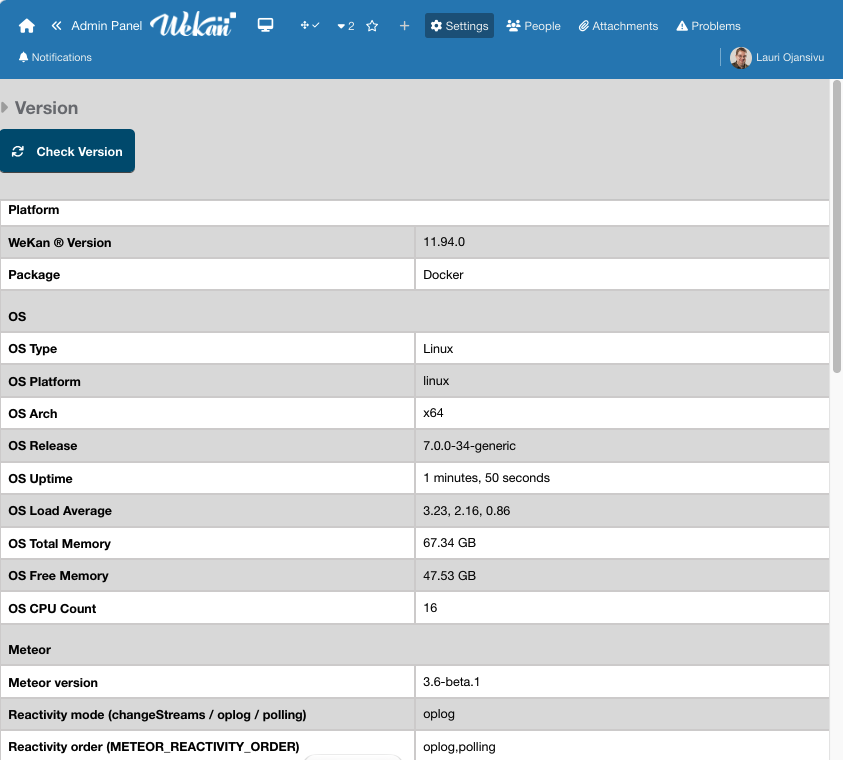
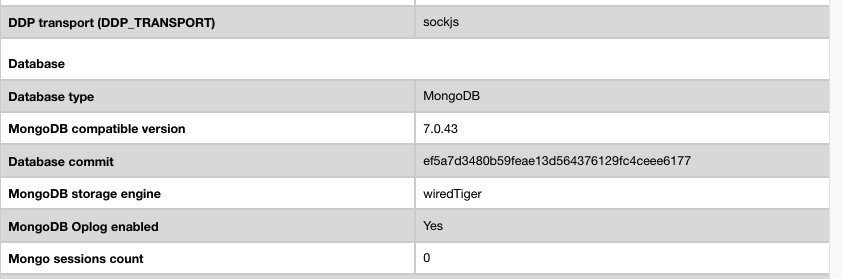
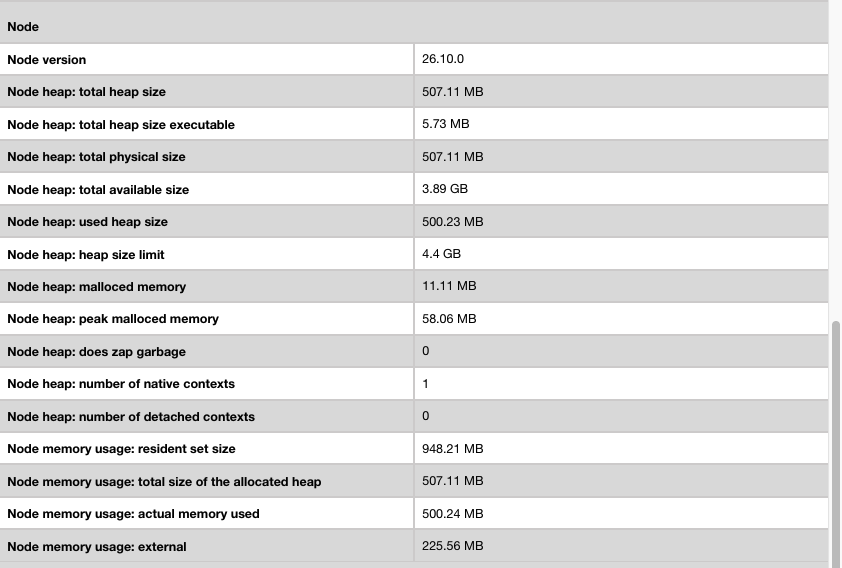
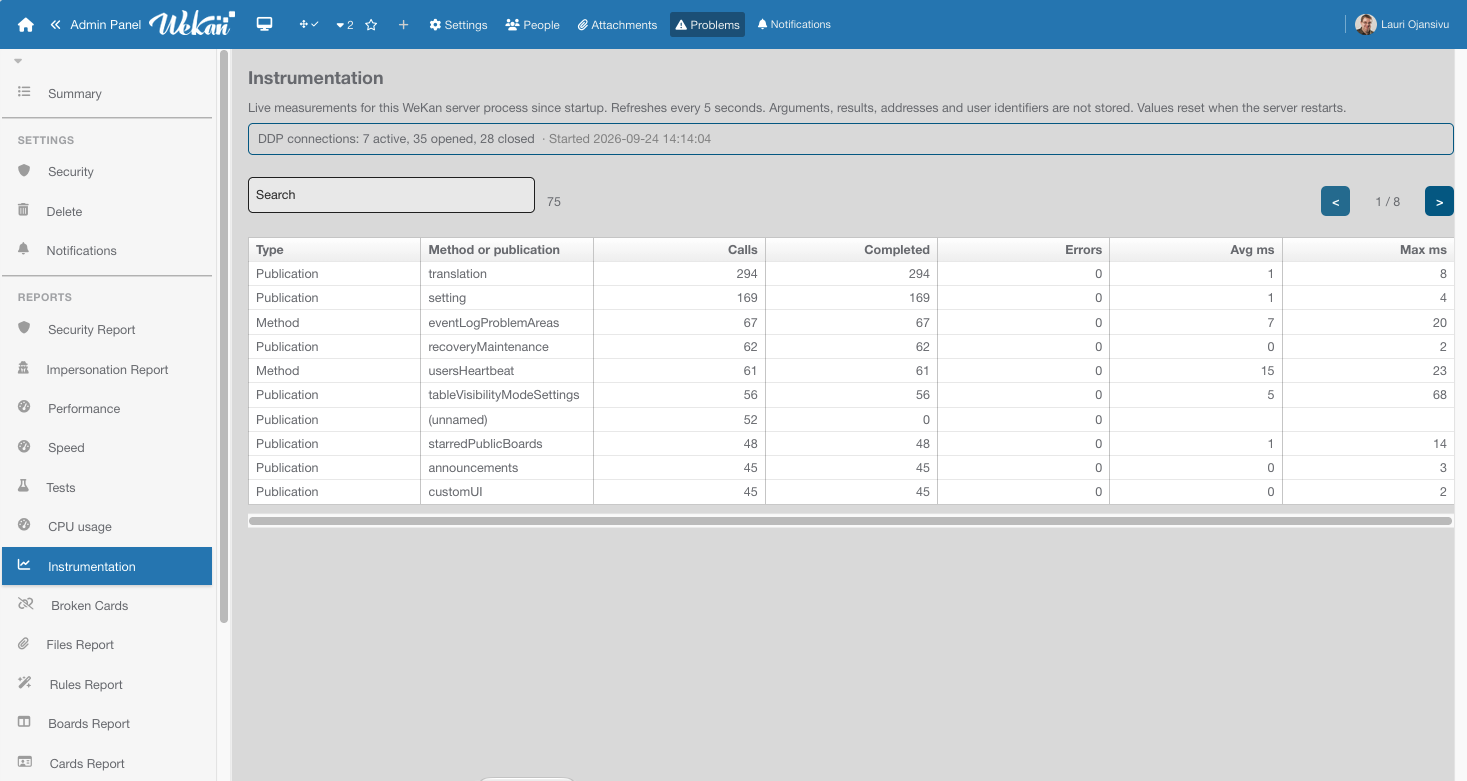
 I hope you’ll like the instrumentation package!