Hi @harry73 , I tried your rspack config on my Meteor app but I have the same error of Vue Loader. I also tried to replicate on a small meteor app example and I found something that if I add the meteor package called harry97:ssr , I get the Vue Loader error:
packages:
# Meteor packages used by this project, one per line.
# Check this file (and the other files in this directory) into your repository.
#
# 'meteor add' and 'meteor remove' will edit this file for you,
# but you can also edit it by hand.

meteor-base@1.5.2                    # Packages every Meteor app needs to have
mobile-experience@1.1.2              # Packages for a great mobile UX
mongo@2.2.0-rc340.2                          # The database Meteor supports right now
reactive-var@1.0.13                   # Reactive variable for tracker

standard-minifier-css@1.10.0-rc340.2          # CSS minifier run for production mode
standard-minifier-js@3.2.0-rc340.2           # JS minifier run for production mode
es5-shim@4.8.1                       # ECMAScript 5 compatibility for older browsers
ecmascript@0.17.0-rc340.2                     # Enable ECMAScript2015+ syntax in app code
typescript@5.9.3-rc340.2                     # Enable TypeScript syntax in .ts and .tsx modules
shell-server@0.7.0-rc340.2                   # Server-side component of the `meteor shell` command
hot-module-replacement@0.5.4         # Update client in development without reloading the page

static-html@1.5.0-rc340.2                    # Define static page content in .html files

rspack@1.0.0-rc340.2                  # Integrate Rspack into Meteor for client and server app bundling


zodern:types
harry97:ssr
rspack.config.js
const { defineConfig } = require('@meteorjs/rspack');
const { VueLoaderPlugin } = require('vue-loader');

const projectRoot = process.cwd();
/**
 * Rspack configuration for Meteor projects.
 *
 * Provides typed flags on the `Meteor` object, such as:
 * - `Meteor.isClient` / `Meteor.isServer`
 * - `Meteor.isDevelopment` / `Meteor.isProduction`
 * - …and other flags available
 *
 * Use these flags to adjust your build settings based on environment.
 */
module.exports = defineConfig(Meteor => {
  return {
    ...Meteor.isClient && {
      plugins: [new VueLoaderPlugin()],
      module: {
        rules: [
          {
            test: /\.vue$/,
            loader: 'vue-loader',
            options: {
              // Note, for the majority of features to be available, make sure this option is `true`
              experimentalInlineMatchResource: true,
            },
          },
          { test: /\.scss$/, type: 'css/auto' },
          { test: /\.css$/, type: 'css' },
          {
            test: /\.(png|jpe?g|gif|svg|webp|ico)$/i,
            type: 'asset/resource',
            generator: { filename: 'assets/images/[name].[hash][ext]' },
          },
          {
            test: /\.(ts)$/,
            exclude: /node_modules/,
            loader: 'builtin:swc-loader',
            options: {
              // Merge the configuration from swc.config.js with specific options
              jsc: {
                //...swcConfig.jsc,
                // Ensure baseUrl is an absolute path (SWC requires an absolute path)
                baseUrl: projectRoot,
                parser: {
                  syntax: 'typescript',
                  decorators: true,
                },
                //target: 'es2020',
                transform: {
                  legacyDecorator: true,
                  decoratorMetadata: true,
                },
              },
            },
          },
        ],
      },
      resolve: {
        extensions: ['.ts', '.vue', '.json'],
        alias: {
          '@components': '/imports/ui/components',
          '@views': '/imports/ui/views',
          '@layouts': '/imports/ui/layouts',
          '@routes': '/imports/ui/routes',
          '@mixins': '/imports/ui/mixins',
          '@typings': '/imports/ui/typings',
        },
        // Improve module resolution stability
        symlinks: true,
        fullySpecified: false,
      },
    },
  };
});
If I remove that package, the small app example works correctly.
On the other hand, should I have a .swcrc file?, I guess no, because that config can be defined in the rspack.config.js file, right?
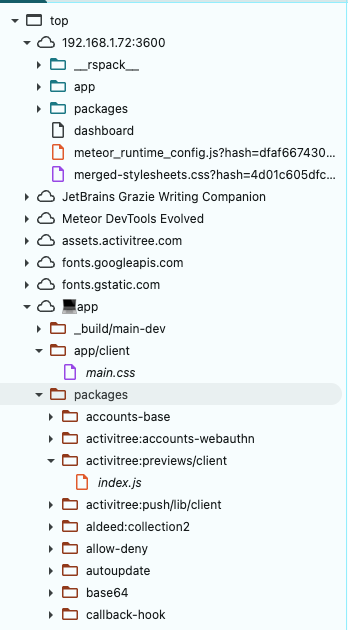
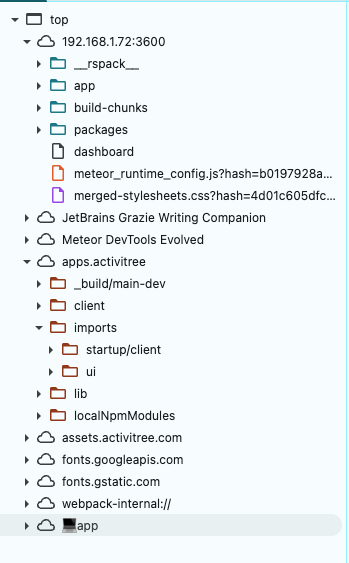
 . I am trying to use breakpoint in the server side code (within VSCode/Cursor). Any thoughts?