@nachocodoner Hi, wanted to know if you have any updates regarding debugging tool using rspack? I just noticed that the official v3.4 has been released but the debugger is not working yet on my app (a TypeScript app).
Similarly to other issues reported after 3.4 RCs, these will be pushed to the 3.4.x series. We had plenty of time with betas and first RCs, and while I could debug it simply and others seem to have done so as well, no issues were mentioned during that time. So 3.4 should move on after all these reports and tests, and we will handle last-moment reports later. While Meteor 3.4 has been released at this point, we have not finished verifications or the final recommendation yet. We are working on that to announce it properly tomorrow.
I have not forgotten about this, I just have not had the time to focus on it as I would like. I will let you know once I can do so. I also plan to add debugging guidance to the docs if needed, and provide facilities in a longer-tested beta version within the 3.4.x series.
So, to understand it better, do you have problems on debug the client or the server? I see above @paulishca shared client-side debug config, and you mention later you can’t add breakpoints to the server side. Does it work for you in any side?
Is debugging issues happening to you all time, even in other kinds of app (like a simple one from new meteor create skeletons)?
Could I ask to open a new issue around debugging issues with specific details on the failing scenarios? I have few on the new changes with modern-build-stack I will look them soon.
do you have problems on debug the client or the server?
It’s on the server.
Does it work for you in any side?
Yes, the debugger on Chrome browser is working correctly. The issue is on the server.
Is debugging issues happening to you all time, even in other kinds of app (like a simple one from new meteor create skeletons)?
No, this is the first time that I get issues in debug mode with my Meteor apps, and it’s because of rspack since with vite bundler is working well (even with the last version of Meteor, v3.3.2). I am using Meteor since 2019.
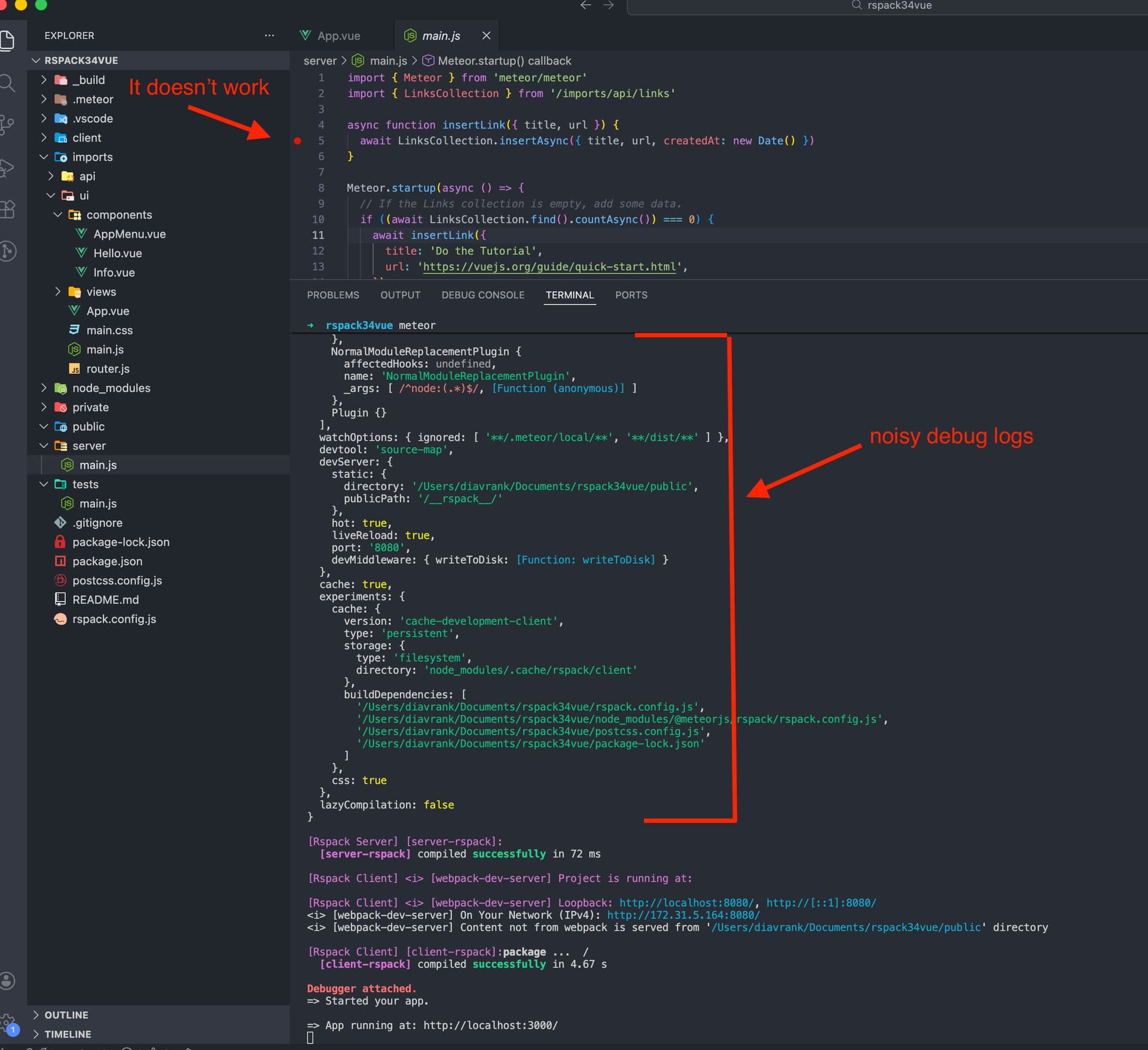
The issue is happening with any skeletons from meteor create command, even with JS (not just TS Meteor apps). Here are a few steps to reproduce it:
Create the app: meteor create rspack34vue --vue --release 3.4
Open the app folder with VSCode and open JavaScript Debug Terminal
Put a breakpoint on line 5 of /server/main.js.
Run meteor command on the debug terminal
Verify how the Editor changes the border color to Orange and then returns to black (the original one).
Verify the breakpoint is not working when starting the app. The process should stop there when loading the app.
You can create more meteor methods and a brief implementation on the FE to test it out manually and verify the server-side breakpoint is not working.
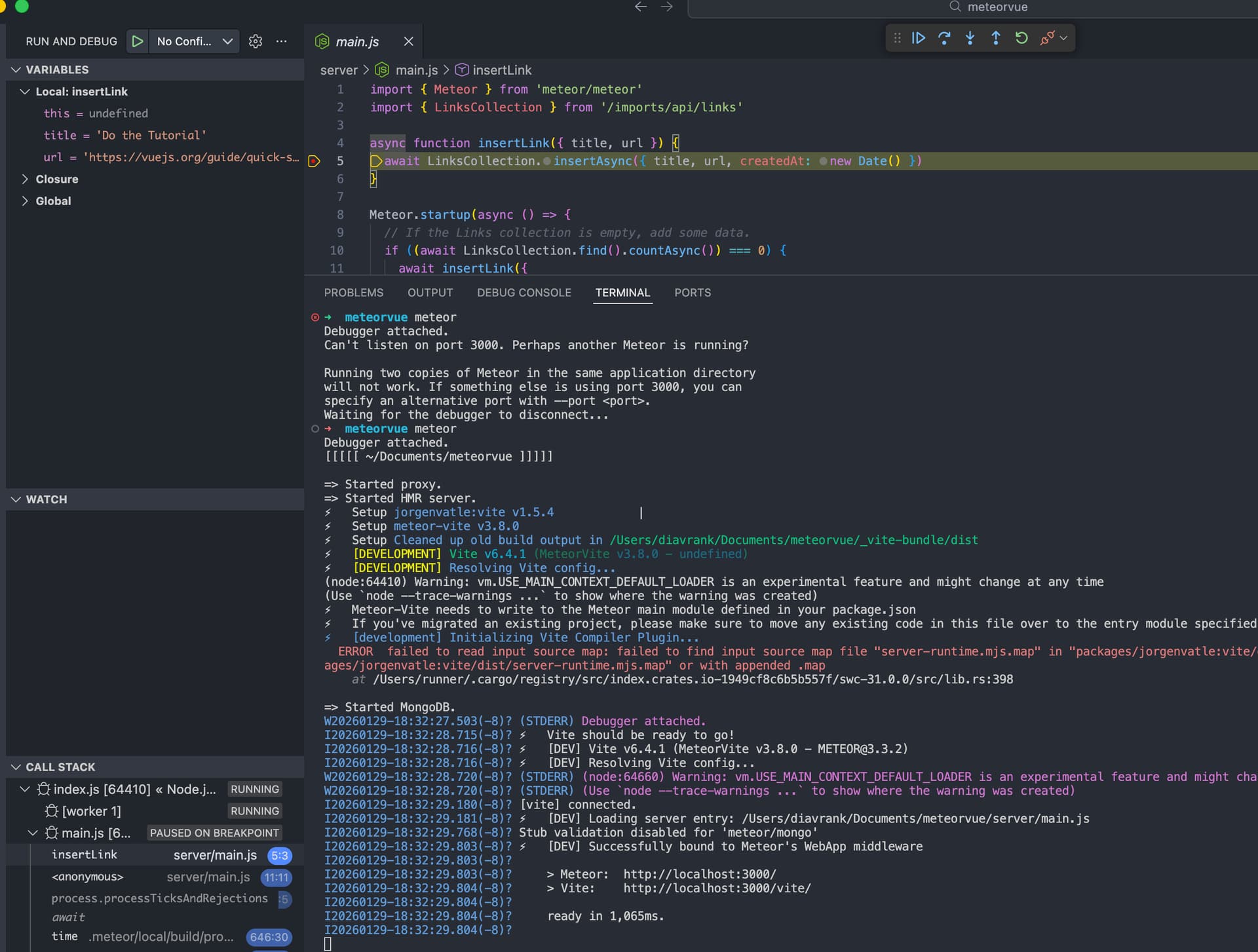
If yo create a meteor app that don’t uses rspack (e.g. meteor create meteorvue --vue), it works. Here is the evidence:
I was trying to solve on my end (changing the configuration on the rspack.config.ts file) but I didn’t have luck, even with AI help so I guess the issue is coming from the meteor package of rspack.
thanks for the suggestion, just tested and it works but with a small issue, that the Step over button doesn’t work as expected. It should jump to the next line in code but it’s having the same behavior as the Continue button.
Also, I was trying to replicate the same run configuration from Webstorm to VSCode/Cursor and this is a summary:
I’ve been using Webstorm with Meteor for years. There is an annoying glitch where sometimes the debugger becomes unattached on the server, requiring a restart of the app, but other than that breakpoints, stepping, etc work as expected. I can do a screen share if that would be helpful to see if I can get your app working on Webstorm
For sure, that would help me a lot. Also, I’m curious if you are debugging server code well with rspack (3.4) and TypeScript in Webstorm. But yes, I’d appreciate the help!
Please let me know if this is the right place to ask such as question…
Is there a way to control the CSS load order? I have some CSS CDN import in my main.html file. I don’t have much choice but to import it like that.
<meteor-bundled-css /> used to control CSS load order, but it doesn’t seem to work anymore with Rspack. At least, the styles used in my application (including TailwindCSS defaults) don’t overcome the CDN ones anymore for the same specificity.
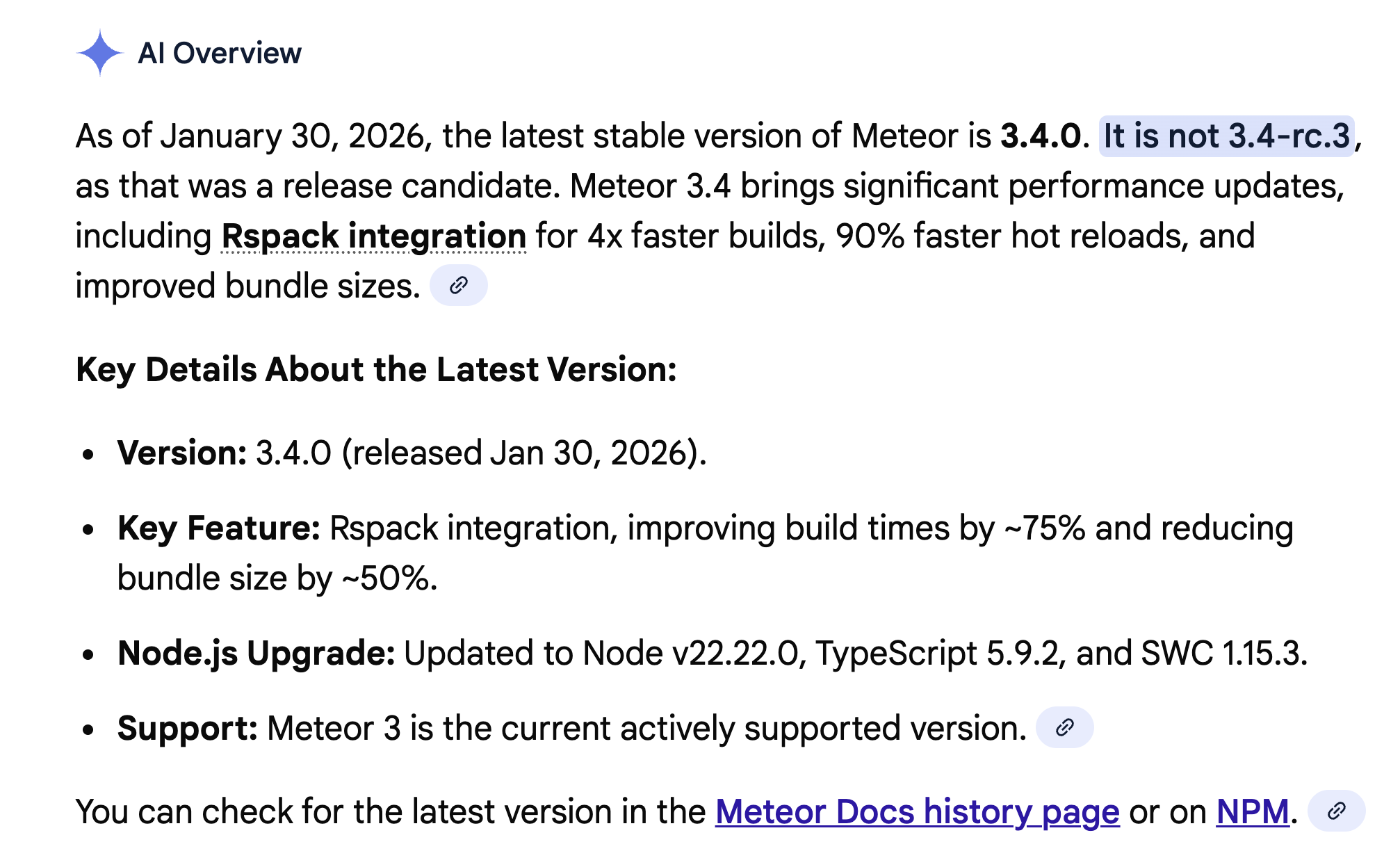
Hmmmm… Google AI may have jumped the gun a little bit by saying 3.4.0 was ready. I’m getting some unusual build errors. Let’s wait to hear an official announcement from @nachocodoner before updating to it.
Where do you add <meteor-bundled-css />? Is it part of main.html, and does Meteor-Rspack reorder it?
If possible, please share a simple repository that mimics your setup. I can try a few workarounds there and, if this is an issue in the new HTML templating handling, fix it for Meteor 3.4.1.
 Let’s wait to hear an official announcement from