So I have tried probably everything, downgrading versions/combinations of packages, still did not manage to make it work. If anyone succeeded, please share the wisdom.
So far I have filed the bug:
So I have tried probably everything, downgrading versions/combinations of packages, still did not manage to make it work. If anyone succeeded, please share the wisdom.
So far I have filed the bug:
I have a slight hope that this happens because of dynamic path in router, but even when I set hash history, still no luck:
import { createRouter, createWebHashHistory } from 'vue-router'

const router = createRouter({
  history: createWebHashHistory('/some-base/'),
  routes: [
    //...
  ],
})
However in Vue2 the router was in normal history mode without issues…
Hi,
Did you try with --production when you do meteor run ?
I had the same error and with --production, I was able to run on Cordova (Android) in development.
I still did not go to build and deployment.
This doesn’t solve the problem, but it could be a clue.
Thanks for the hint, I’ll check it. Might be not a permanent option, but at least something until the bug is fixed.
Guys, please help - I’m trying to switch to Vue3 and Meteor 3 and finally publish iOS/android apps, but I still can’t make Vue Router to work in Cordova…
As a simplest test, I’m trying the:
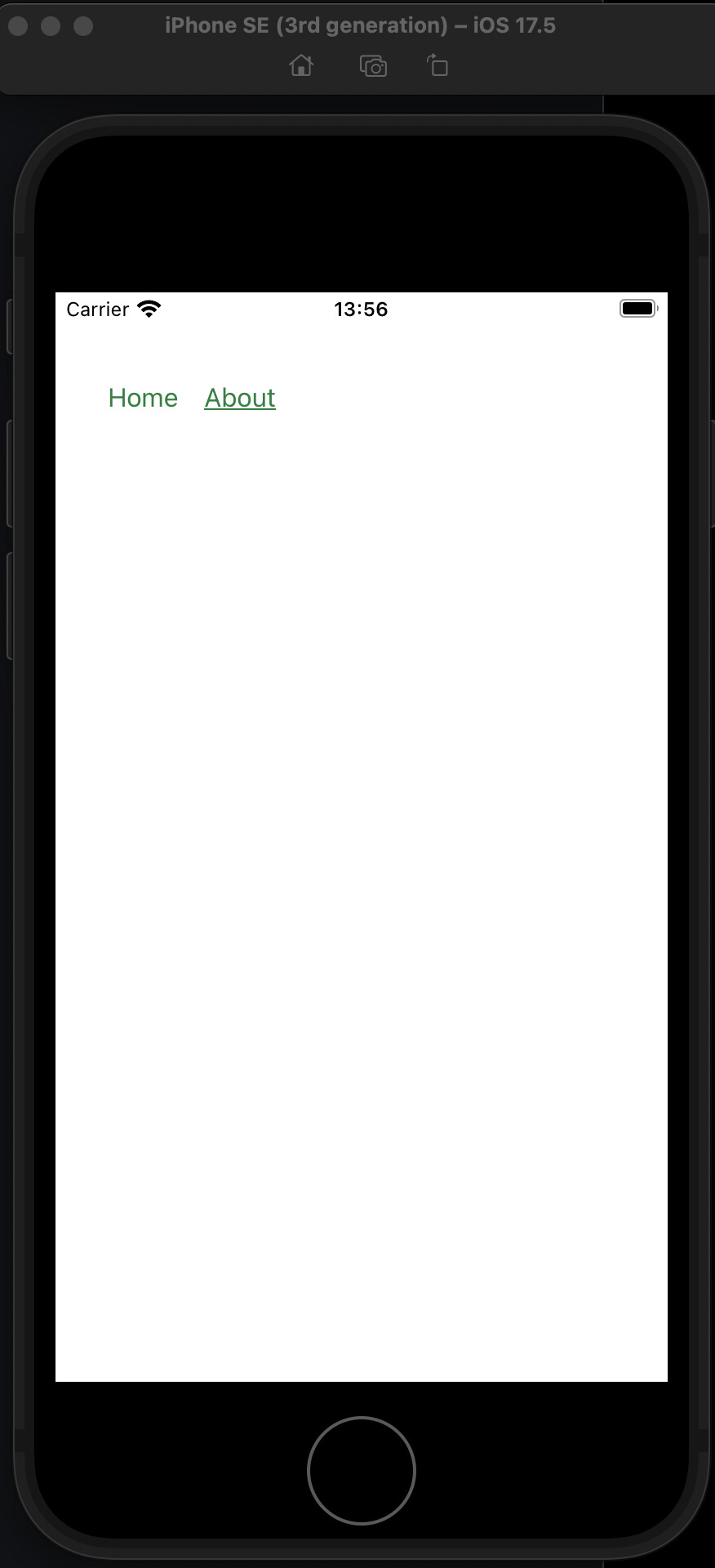
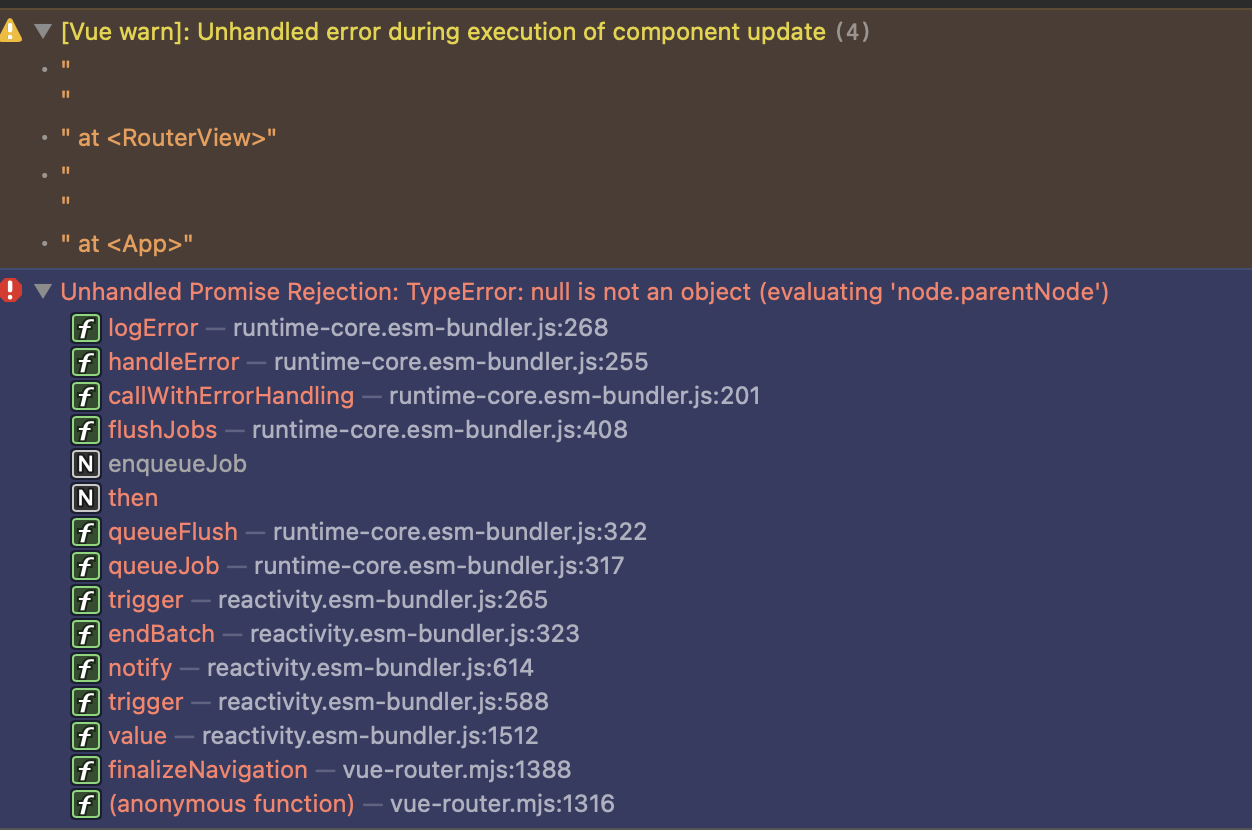
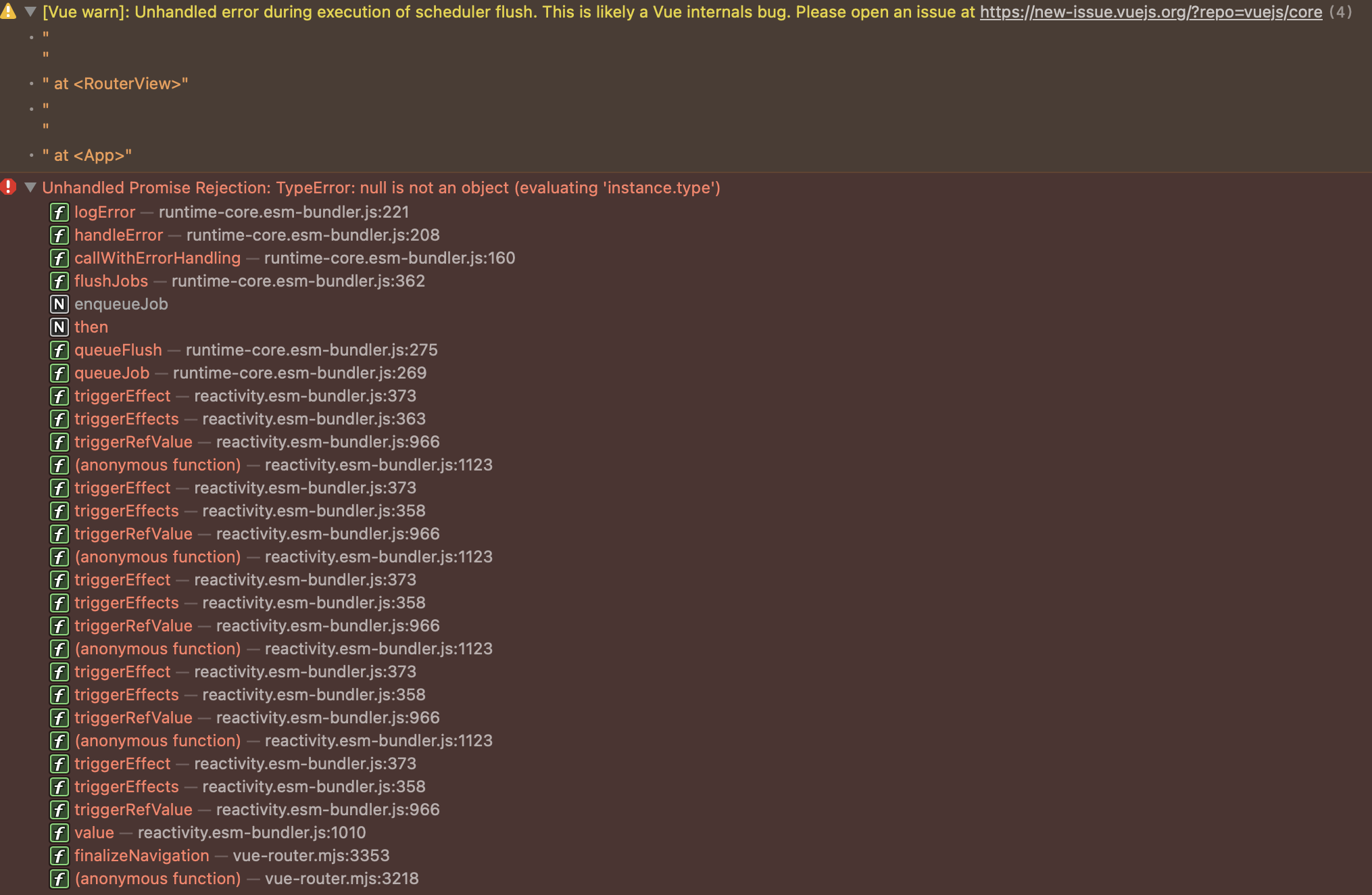
meteor create test --vue” - default minimal Meteor skeleton vue app/postcss.config.js from “export default {” to “module.exports = {” - otherwise it won’t start even in browsermeteor add-platform ios” - add iOS platformmeteor run ios” - run it in simulator (assuming you have simulator setup)I have already tried it Meteor 3.4, 3.3.x, 3.2.x - all have the same issues in Cordova (at least iOS) in Xcode Simulator: The RouterView (<router-view />) is not rendering and when I switch routes (press About or Home) I get the error (see pictures). This happens in simulator (did not check on the device) and does not happen in browsers - there I can see normally the content of the Home and About.
Am I doing something completely wrong? I assume if I try the minimal skeleton app it must work out of the box, no? Is there anybody who has got it working?
Hello,
I have Meteor 3.4/Vue 3 running on Android and IOS. So it should be a config problem. I will try to reproduce your issue
I’ve pushed it a bit further - have managed at least to see the content of the <router-view />, by waiting for the router to be ready before mounting it:
/imports/ui/main.js
import { Meteor } from 'meteor/meteor'
import { createApp } from 'vue'
import { VueMeteor } from 'vue-meteor-tracker'

import './main.css'
import App from './App.vue'
import { router } from './router'

Meteor.startup(() => {
  const app = createApp(App)
  app.use(router)
  app.use(VueMeteor)
  // app.mount('#app')
  router.isReady().then(function () {
    app.mount('#app')
    console.log('mounted')
  })
})
And I also ensure that the createWebHashHistory is set.
/imports/ui/router.js
import { createRouter, createWebHistory, createWebHashHistory } from 'vue-router'
import Home from './views/Home.vue'
import About from './views/About.vue'

export const router = createRouter({
  // history: createWebHistory(),
  history: createWebHashHistory(),
  routes: [
    {
      path: '/',
      name: 'home',
      component: Home,
    },
    {
      path: '/about',
      name: 'about',
      component: About,
    },
  ],
})
So it is at least rendering now, but only once, at the beginning, and no buttons of the router view body lead to anything (links and “Click Me” button are not reacting), the Home and About do react, only once, and then everything is static…
I have managed to make the Click Me button to react on clicks, as well as the <router-view /> to render its content. But when I switch routes I still have issues:
import { Meteor } from 'meteor/meteor'
import { createApp } from 'vue'
import { VueMeteor } from 'vue-meteor-tracker'

import './main.css'
import App from './App.vue'
import { router } from './router'

Meteor.startup(() => {
  const app = createApp(App)
  app.use(router)
  app.use(VueMeteor)

  if (Meteor.isCordova) {
    document.addEventListener('deviceready', async function () {
      await router.isReady()
      app.mount('#app')
      console.log('mounted in cordova')
    }, { once: true })
    return
  }

  app.mount('#app')
  console.log('mounted in web')
})
Now it renders the <router-view /> correctly but it switches the route only once (clicking on About), but whenever trying to click twice (clicking back to Home) - it throws the error:
When Cmd+R within the Simulator console (Safari > Develop > …) - it refreshes the view in Simulator and shows the correct route view, but then after second click throws the error again.
Update: I have updated my macOS to 26.2 as well as Xcode to 26.2 - the issue still persists… Also tried to set routes without path but only name - still no luck… Help! 

@harry73 - could you please also check:
vue and vue-routerMaybe I’m missing something…
Okay… The day of figuring this out made me an expert in iOS and Cordova development already, so the time spent at least was worth it. 
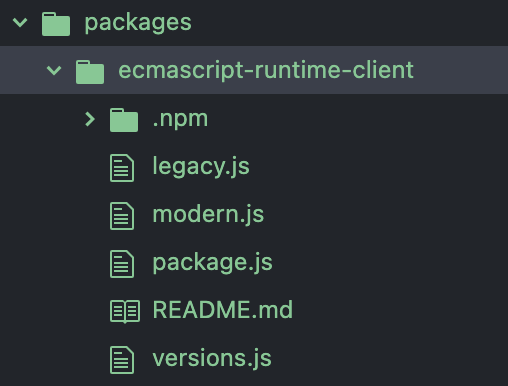
And the solution is: use the modified ecmascript-runtime-client package (extracted from the upcoming Meteor release-3.4.1 branch), described here: Google Maps JS API will stop working in Cordova in May for iOS+Android · Issue #13094 · meteor/meteor · GitHub
Since it’s already merged to the release-3.4.1 branch (and thus will be automatically fixed in 3.4.1 - I hope if no other new issues arise) - just download the latest meteor codebase zip from this branch, and copy the /packages/ecmascript-runtime-client/ folder from the meteor into your meteor project’s /packages/ folder (create it if it does not exist). Then during the launch it will use this one instead of the wrong one bundled with meteor 3.4 (and eventually all previous meteor 3 versions).
This concludes that Meteor3 + Cordova + Vue3 work together, which gives the green light to continue with migrations and allows to make grandiose next plans of world dominance. 

Update: This is confirmed to work with the latest stable vue@3.5.27 and vue-router@4.6.4
Of course! It’s one of the few editors that actually lets you code instead of spending your time configuring it 
And you can hide all the garbage from the screen while still having the power of extreme customization under the hood. Sunsetting Atom was an evil corporate move by Microsoft, after buying GitHub, to kill a competitor to Visual Studio, which, like many Microsoft products, is mediocre.
So Atom was resurrected as Pulsar, and may it live forever! https://pulsar-edit.dev/
I see another man of culture? 
Sorry, i was away from forums for few days.
I did not remember but yes I had to modify the ecmascript-runtime-client and have it locally.
Cool. Good to see you narrowed the issue down and found that we already have a fix for this exact case. Nice that you shared the workaround so others can clone the contents of that specific package into their apps.
Release 3.4.1 will include fixes and contributions that have been waiting for some time. We will start with a beta. We are still working on sorting other Rspack reports that may arise, along with specific cases already reported on Meteor issues. I will post updates here so we can fully verify everything.
Do not hesitate to open issues with reproductions on the main Meteor tracker: GitHub · Where software is built