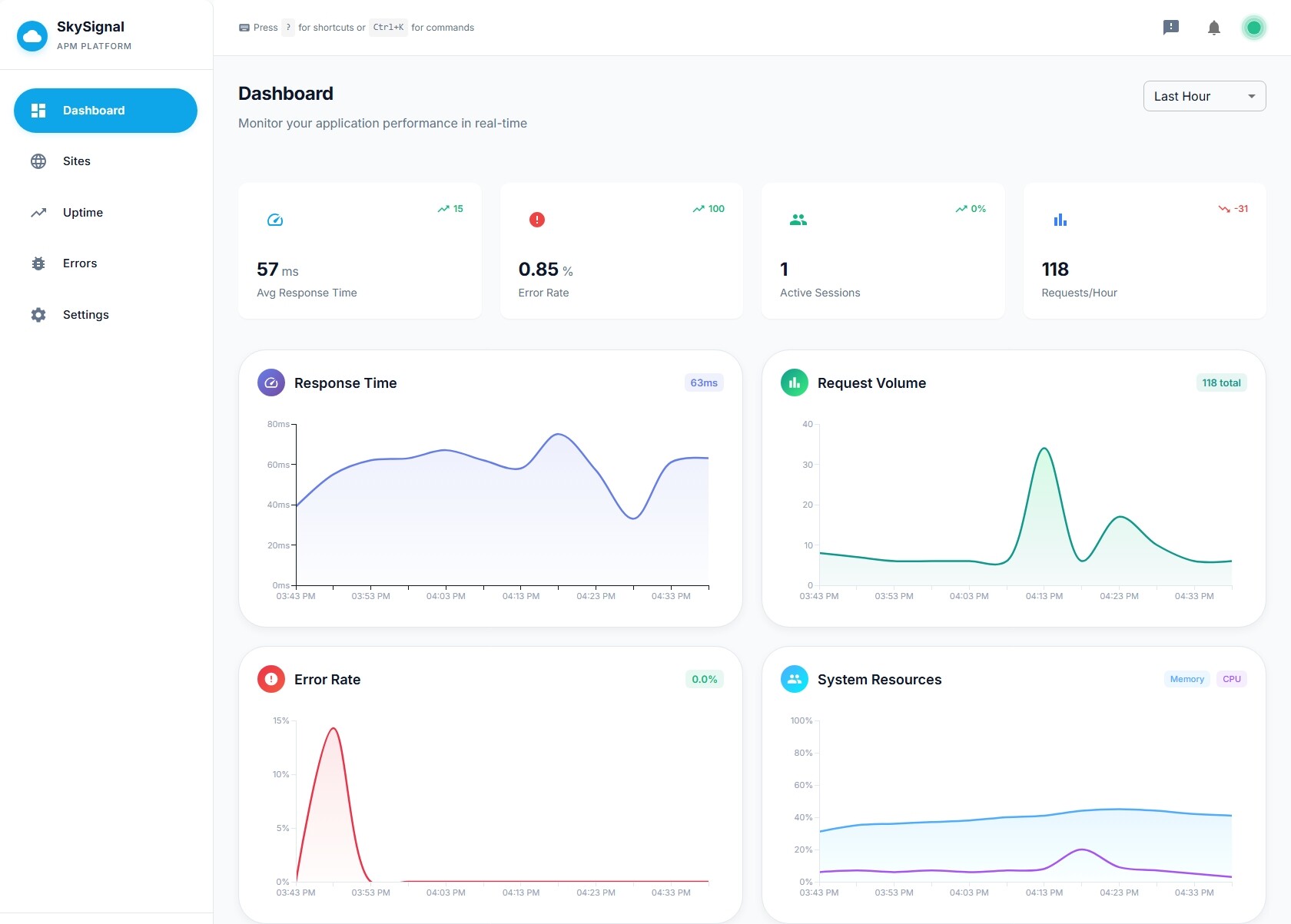
I’m excited to announce SkySignal, a next-generation Application Performance Monitoring platform built specifically for Meteor 3.0 applications.
Why I Built SkySignal
Like many of you, I’ve been thrilled to see the revitalization of Meteor over the past few years. The Meteor Core team has done incredible work modernizing the framework - Meteor 3.0 with its async/await patterns, modern Node.js support, and improved performance has made the development experience better than ever.
But when it came time to deploy applications to production, I hit a wall.
The existing APM solutions for Meteor haven’t seen meaningful updates in years. They were built for a different era—before async/await, before modern Node versions, before Meteor 3.0. Trying to monitor a modern Meteor application with legacy tooling felt like driving a new car with a broken dashboard.
SkySignal is my answer to that problem.
What SkySignal Offers
SkySignal is purpose-built for Meteor 3.0 applications with full support for:
-
Method & Publication Tracing - Track performance of your Meteor Methods and Publications with detailed timing breakdowns
-
Real User Monitoring (RUM) - Understand how your users actually experience your application
-
Error Tracking - Capture and aggregate errors from both client and server with full stack traces
-
Database Performance - Monitor MongoDB query performance, slow queries, and index usage
-
Live Query Monitoring - Track the performance impact of your reactive data subscriptions
-
DDP/WebSocket Connections - Monitor real-time connection health and message throughput
-
Background Job Monitoring - Track jobs from popular packages like
msavin:sjobs(more coming soon, I started with sjobs since I use it myself.) -
System Metrics - CPU, memory, event loop delay, and more
-
HTTP Request Tracking - Monitor outbound API calls and webhook performance
-
Custom Metrics - Track any application-specific metrics you need (WIP)
Built for the Modern Meteor Stack
SkySignal embraces the modern Meteor ecosystem:
-
Full Meteor 3.0 and async/await support
-
Compatible with modern Node.js 20+ runtimes
-
Designed for multi-host deployments with per-host filtering
-
Modern React-based dashboard with Material-UI
Easy Integration
Getting started takes just a few minutes:
meteor add skysignal:agent
// settings.json

{
   "skysignal": {
      "apiKey": "your-api-key",
   },
   "public": {
      "skysignal": {
         "publicKey": "your-public-key"
      }
   }
}
That’s it. The agent automatically instruments your Methods, Publications, and database queries with zero code changes required.
Current Status
SkySignal is currently in early access beta. The core monitoring features are fully functional, with new features being added regularly.
I’m actively looking for feedback from the Meteor community to help shape the roadmap and ensure SkySignal meets the real-world needs of Meteor developers.
Get Early Access
If you’re running Meteor 3.0 in production and want modern observability tooling, I’d love to have you try SkySignal and provide input of the beta version (there is a forever free tier available now).
Website: https://skysignal.app
Looking Forward
The Meteor renaissance is real. Between Meteor 3.0, the active core team, and the passionate community, Meteor is positioned for a strong future. I believe SkySignal can be part of that story – providing the production observability that modern Meteor applications deserve.
I’m building this for the community, and I want your input. What monitoring features matter most to you? What pain points do you have with your current setup?