When I run meteor npm --version in my project, I see 10.9.2. That’s fairly old, but ok, things are working locally.
When I try to deploy to galaxy, meteor npm --version shows 6.14.18. Even older!
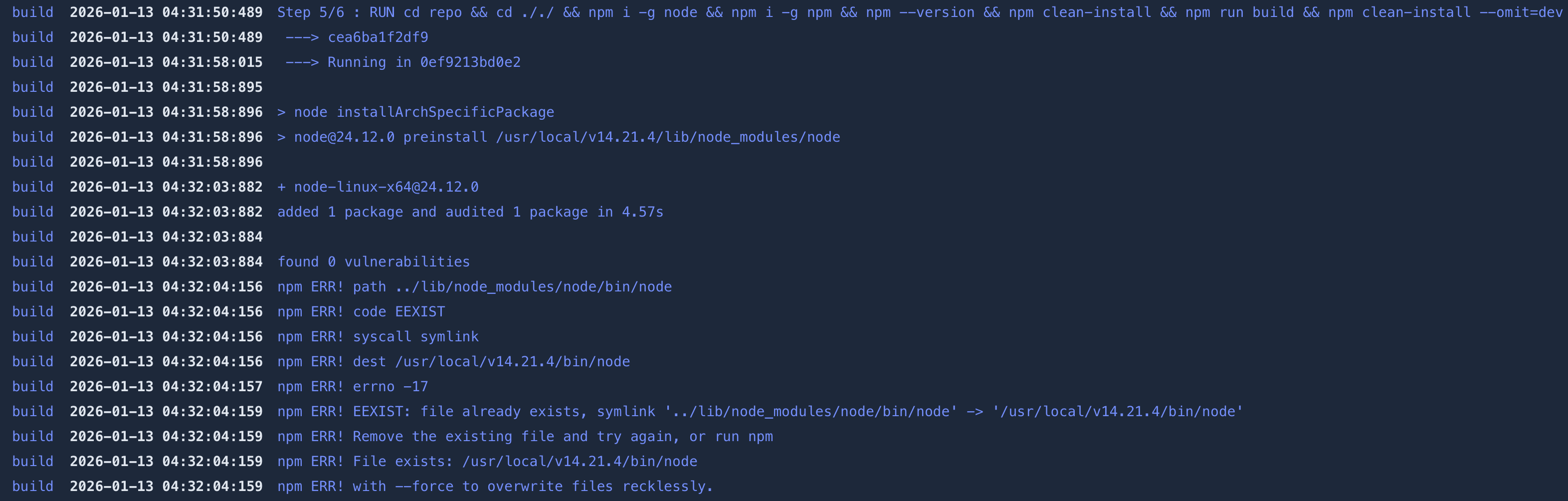
I put meteor npm --version in my galaxy build command.
Why is the version older on Galaxy? Shouldn’t it be the same version locally and in deployment?
This is causing me some errors on the Galaxy side. The following command that I’m using for the build command works locally, but not on Galaxy, due to the discrepancy.
Ideally I can just use clean-install all around, but that has never worked thus far on Galaxy. Now that I know there’s a version difference, I’m believing that was probably why.
Just a clarification: meteor npm --version being 10.9.2 isn’t too old. It matches what you’d expect with Meteor 3 and Node 22.x.x. Also, Node and NPM version numbers don’t correspond, so don’t treat them as equivalent.
That said, seeing meteor npm --version as 6.14.18 is definitely NPM version old, and it likely corresponds to an older Node version too. It also doesn’t seem to respect your app’s expected toolchain for some unknown reason. I’ve reported this to the Galaxy platform team.
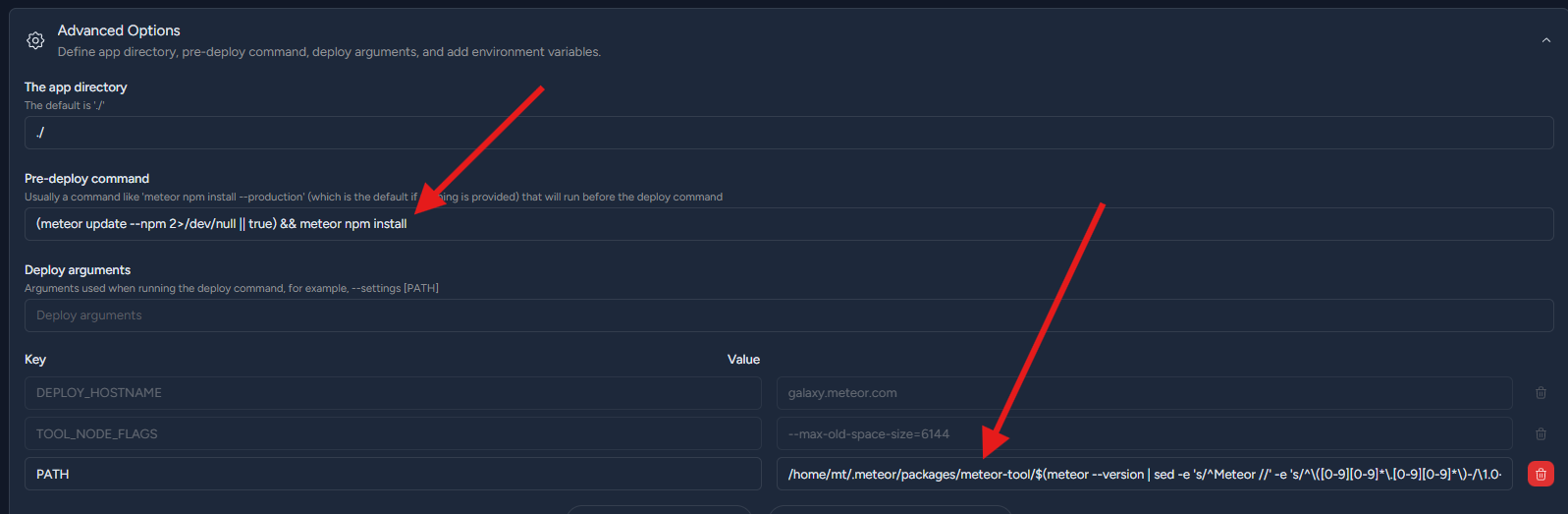
Could you try exporting a new PATH as part of your build command?
Does this help on seeing a different Node and NPM version?
Update: Updating the PATH likely won’t work. You’re already using meteor npm install/meteor node --version, which prefixes commands to use Meteor’s bundled Node and NPM. The issue is probably elsewhere.
PATH fix should just work if you do npm install or node --version. Considering /home/mt/.meteor/packages/.. is an existing PATH (I think could be in Galaxy, I used this before on Galaxy Push To Deploy image), you could find proper if doesn’t exist.
For the Push To deploy image, no. For the Galaxy images where your app runs, yes it’s possible!
We’ve already brought this issue to our development team, and they will be making an improvement to the entire push-to-deploy system, which will eliminate these errors
Does that mean I should wait, and the push to deploy setup will start to use latest Node/npm? Estimates on timeline?
I’m currently not having luck deploying with either push-to-deploy, or with meteor deploy and am stuck.
How exactly do can we deploy a .tar.gz file that I built locally? The docs (meteor help deploy) don’t mention anything about that.
If I can at least deploy that way, I’ll be good, because I can untar the file, remove all the fat that’s causing the upload-too-large error with regular meteor deploy, and deploy the updated tar.gz.
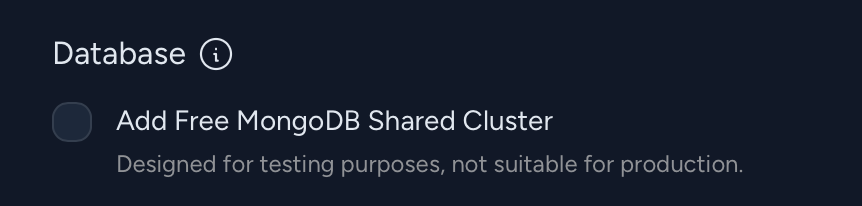
Maybe I need to check it each time to enable the implicit mongo. Trying now…
EDIT:
Confirmed, P2D is working now (with that updated build command for custom Node version in place, from the above comment). And there’s no MONGO_URL error (I selected the free mongo checkbox).
I would love for production DBs to be as easy as that free shared mongo option too. In fact, why not just make that option production ready, then charge people for upgrades via UI, to make it zero-config easy? win-win.
Hello y’all, any update? I see my apps migrated to the new Metal, and I don’t see any command line configuration in the new Push To Deploy UI. It isn’t clear whether this problem is fixed or not. Can you please advise?
But Meteor version was not the problem (see above), the hosting environment had outdated Node.js v6, and for some reason the deployment would use (running meteor node --version would still show an outdated version of node even if I have specified Meteor 3.4).
I have not had luck getting deployment to work on Metal, and have been stuck. I’ll try again today.